


Productivity
The 10-Minute Productivity System for UK Workers: Apps, AI and Habits That Actually Help
Most productivity systems fail because they take longer to maintain than the time they save. This one is designed for people with a day job, a full inbox, and very little patience for colour-coded planners.
The 10-minute version
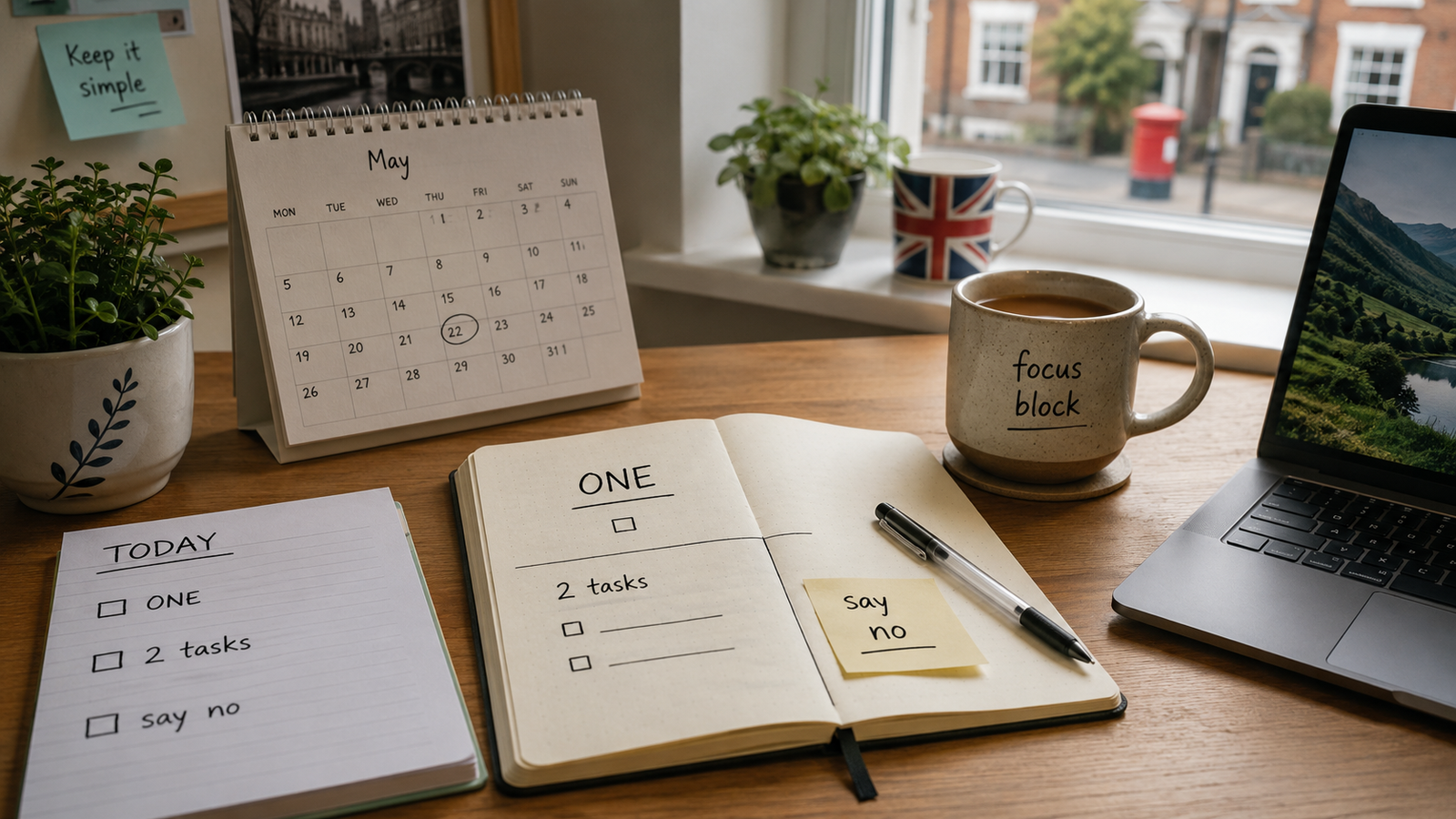
Each morning: choose one main task, two secondary tasks and one thing you will not take on.
During the day: protect your best focus block and keep email and admin out of it.
Each Friday: spend 15 minutes clearing loose ends and choosing next week’s top three.
The system should take less time to maintain than it saves.
Why Most Productivity Systems Fail
Notion dashboards with 17 views. Colour-coded task systems with 6 priority levels. Weekly reviews that take two hours. These aren’t productivity systems – they’re procrastination dressed up as organisation.
The 10-Minute Productivity System has three components: a daily start ritual (10 minutes), a work structure (time blocks), and a weekly reset (15 minutes on Friday). That’s it.
The Daily 10-Minute Start
Identify your ONE thing (2 minutes)
What is the single task that, if it’s the only thing you complete today, still makes today a win? Write it down. This is not your email. This is not a meeting. It’s a specific output.
Name two secondary tasks (2 minutes)
The things you’d do after the main one. These go on today’s list. No more than two – if you get through the main task and both of these, you’ve had an excellent day.
Identify what you’re saying no to today (1 minute)
What request, distraction, or task are you actively deciding not to do today? Writing this down makes saying no easier when the moment comes.
Check your calendar (3 minutes)
How many hours of actual uninterrupted time do you have? If a meeting has appeared that shouldn’t be there, deal with it now – not mid-morning when it blindsides you.
Schedule your ONE thing (2 minutes)
Put a time block in your calendar for the main task before you do anything else. First 90 minutes of uninterrupted time. Don’t open email or Slack first.
Time Blocking: The 90-Minute Rule
The human brain naturally works in ultradian cycles of roughly 90 minutes – periods of higher focus followed by a natural dip. Working with this rather than against it looks like:
Deep work block (90 min)
Phone on silent. Notifications off. Single tab open. This is where your ONE thing lives. Schedule it for when you’re sharpest – usually morning for most people.
Admin/comms block (60 min)
Email, Slack, messages, quick calls. All the communication that doesn’t require deep thinking. Schedule this after lunch or late morning when focus naturally dips.
The Friday 15-Minute Reset
Every Friday at 4:30pm (or whenever your workday ends), spend 15 minutes:
Friday reset checklist
- Clear your task list: Move everything unfinished to next week, delete what no longer matters, mark done what’s done.
- Check next week’s calendar: Any meetings that shouldn’t be there? Anything you need to prepare for?
- Write next Monday’s ONE thing: Decide it now. You’ll start Monday with direction instead of 20 minutes of drifting.
- Close all tabs and tidy your workspace. Psychological closure matters.
The Tools (Keep Them Simple)
| Purpose | Tool | Why |
|---|---|---|
| Daily task list | Paper notepad or a single sticky note | You only write 3 things – a full app is overkill |
| Time blocking | Google Calendar or Outlook | Whatever you already use – just block the time |
| Capture (ideas, tasks) | A simple inbox: one Notion page, one Notes app | One capture location, reviewed weekly |
| Weekly review | Paper or a recurring calendar event | Recurring 15-min block every Friday at the same time |
Common Problems and Fixes
My job is all reactive – I can’t plan one thing in the morning
Yes you can. You can plan something and accept it might be interrupted. Having a plan you abandon is still better than having no plan – it gives you something to return to. Reactive jobs benefit most from this system.
I keep skipping the daily start
Attach it to something you already do. Make it the first thing you do after opening your laptop, before email, as the kettle boils. Habit-stack it onto an existing cue.
I have 30 things on my task list – how do I pick the ONE?
Ask: “If I get one thing done today, which one would make me feel like the day was worth it?” That’s your ONE. The rest of the list will still be there tomorrow.